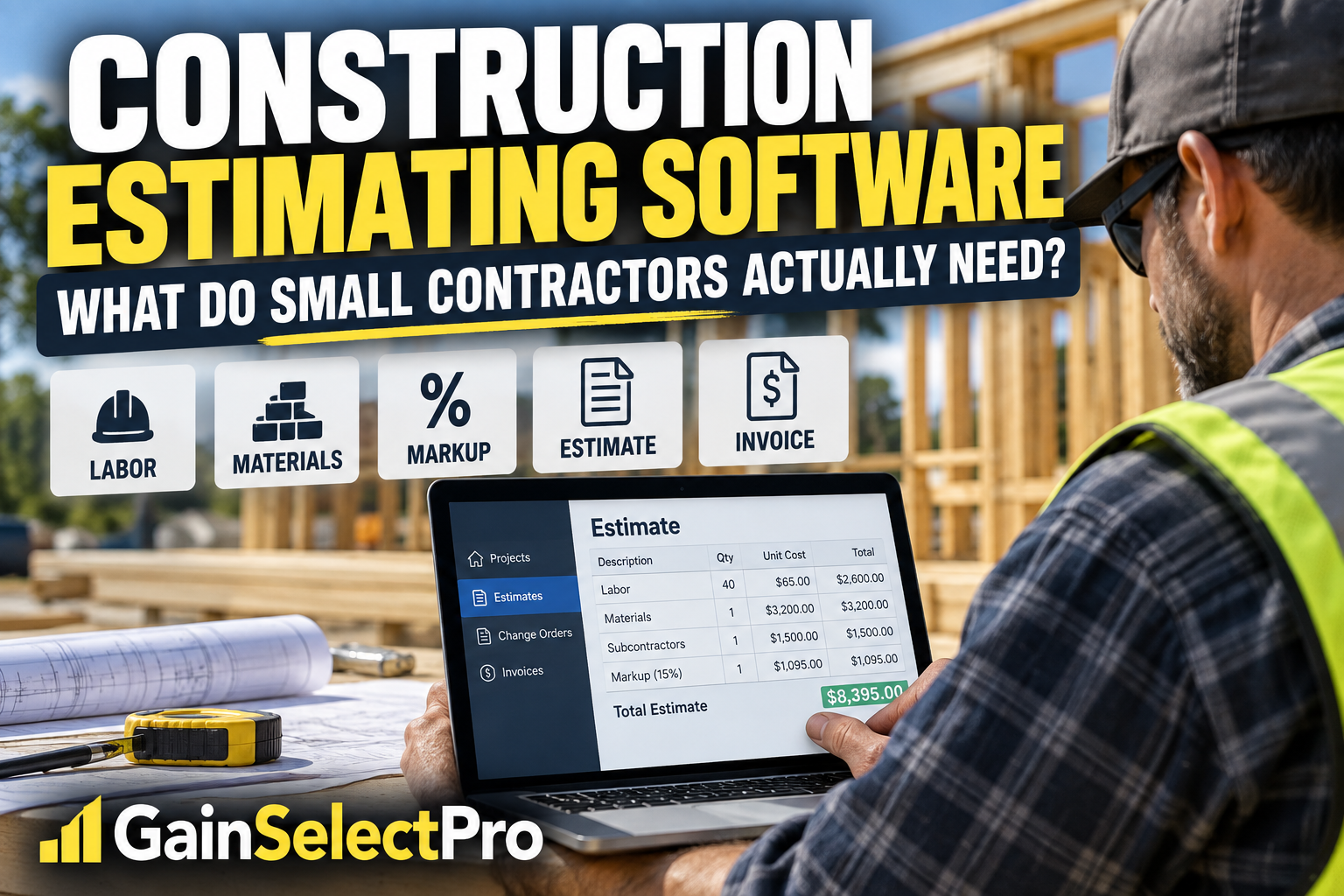
Quick Answer: What Should Construction Estimating Software Do?
For a small contractor, estimating software should do more than replace a calculator or spreadsheet.
The right system should help you organize material, labor, equipment, subcontractor, and other costs; apply appropriate markups; create professional estimates; manage changes; turn approved work into invoices; and keep important job information organized.
But more features are not always better.
A small contractor who mainly needs faster estimating and invoicing may not need the same system as a larger company managing multiple crews, dispatching technicians, and coordinating dozens of projects.
The goal is to find software that fits the way your business actually works.
Start With the Problem You Are Trying to Solve
Before comparing software, identify where your current process is costing you time or creating mistakes.
Are estimates taking too long?
Are material and labor costs difficult to reuse from one estimate to another?
Are change orders getting lost?
Are you creating estimates in one program and then entering the same information again into accounting software?
Are invoices taking too long to prepare?
Those problems matter more than having the longest possible list of features.
Look for Reusable Costs and Job Templates
Re-entering the same information for every project wastes time and increases the opportunity for mistakes.
For contractors who perform similar types of work repeatedly, reusable cost databases and job templates can make estimating much faster.
Instead of rebuilding every estimate from scratch, the contractor can start with previously organized costs and adjust quantities and project-specific details.
That can be especially useful for remodelers, specialty contractors, and other businesses that regularly perform similar scopes of work.
Make Sure Markups Are Part of the Estimate
Winning a job does not necessarily mean making money on it.
An estimate needs to account for more than the obvious material and labor costs. Depending on the business, overhead, profit, taxes, equipment, subcontractors, contingencies, and other costs may also need to be considered.
Good estimating software should make it easier to consistently apply the contractor’s own estimating rules instead of relying on memory for every bid.
Don’t Forget Change Orders
Projects change.
A customer adds something. A scope changes. Materials change. Unexpected conditions appear.
When those changes are handled informally, contractors can perform work that never makes it onto the final invoice.
For contractors whose projects frequently change after the original estimate is approved, change-order management can be an important feature.
Think Beyond the Estimate
The estimate is only the beginning of the financial workflow.
Once the customer approves the work, the contractor may need to create invoices, record payments, prepare progress invoices, generate purchase orders, and keep track of what has changed since the original agreement.
If your estimating software can carry information forward instead of forcing you to enter it repeatedly, it may reduce administrative work.
Do You Need QuickBooks Integration?
If you already use QuickBooks Online, integration deserves careful consideration.
Construction estimating software and accounting software solve different problems.
Estimating software can help build the job financially before and during the project, while accounting software handles broader business accounting functions.
Connecting the two can reduce duplicate data entry, but contractors should understand exactly what information synchronizes and how the workflow is supposed to operate before relying on an integration.
Simple Estimating Software or Full Contractor Management?
This is an important distinction.
Some contractors primarily need:
- Estimating
- Professional proposals
- Invoicing
- Payments
- Change orders
- Cost organization
Others also need:
- Employee scheduling
- Crew dispatching
- Lead management
- Customer relationship management
- Time tracking
- Complex project scheduling
- Broader field-service management
If you need the second group, you may want a broader contractor-management platform.
If your biggest problem is creating accurate estimates and carrying those estimates through invoicing and payment, a more focused system may make more sense.
ContractorTools: One Option to Consider
ContractorTools is designed specifically for general contractors and subcontractors.
Its features include construction estimates, custom cost databases, reusable job templates, automatic markup calculations, invoicing and payment functions, and QuickBooks Online synchronization. Some functionality depends on the plan selected.
More advanced functionality includes features such as change orders, purchase orders, progress invoicing, and draw schedules.
ContractorTools can also work with optional Craftsman construction cost data, which may be useful for contractors who want an additional source of construction cost information when preparing estimates.
This makes ContractorTools particularly interesting for contractors whose primary workflow runs from:
Estimate → Approved Job → Changes → Invoice → Payment → Accounting
It may be less appropriate for a business primarily looking for a large field-service platform centered on dispatching crews, sophisticated scheduling, or extensive CRM functions.
Affiliate Disclosure: GainSelectPro may earn a commission if you use our link to sign up for ContractorTools, at no additional cost to you. Our goal is to provide useful information so you can decide whether a product or service fits your business.
Questions to Ask Before Choosing Any Estimating Software
Before committing to any system, ask yourself:
- Can I build estimates the way I actually price my jobs?
- Can I reuse common costs and project templates?
- Can I handle changes after the customer accepts the original estimate?
- Can estimate information flow into invoices without starting over?
- Does it work with the accounting system I already use?
- Can I understand the workflow without spending more time managing software than managing jobs?
- Does the software solve a problem that is actually costing my company money?
Those questions are more important than choosing software simply because it has the most features.
Final Thoughts
Construction estimating software should make the business easier to run—not simply add another piece of technology to manage.
For some small contractors, improving the estimating-to-invoice process may deliver more value than purchasing a large construction-management platform with features they rarely use.
For others, estimating is only one part of a much larger scheduling, field-management, and customer-management problem.
Start with your workflow.
Identify where time, information, or money is being lost.
Then choose the software that addresses those problems without adding unnecessary complexity.
Better tools should lead to better decisions—not more work.